
Admin Panel Development: What Your Business Dashboard Should Include
What admin panel development should include: login, roles, records, forms, filters, dashboards, reports, activity logs, and exports.
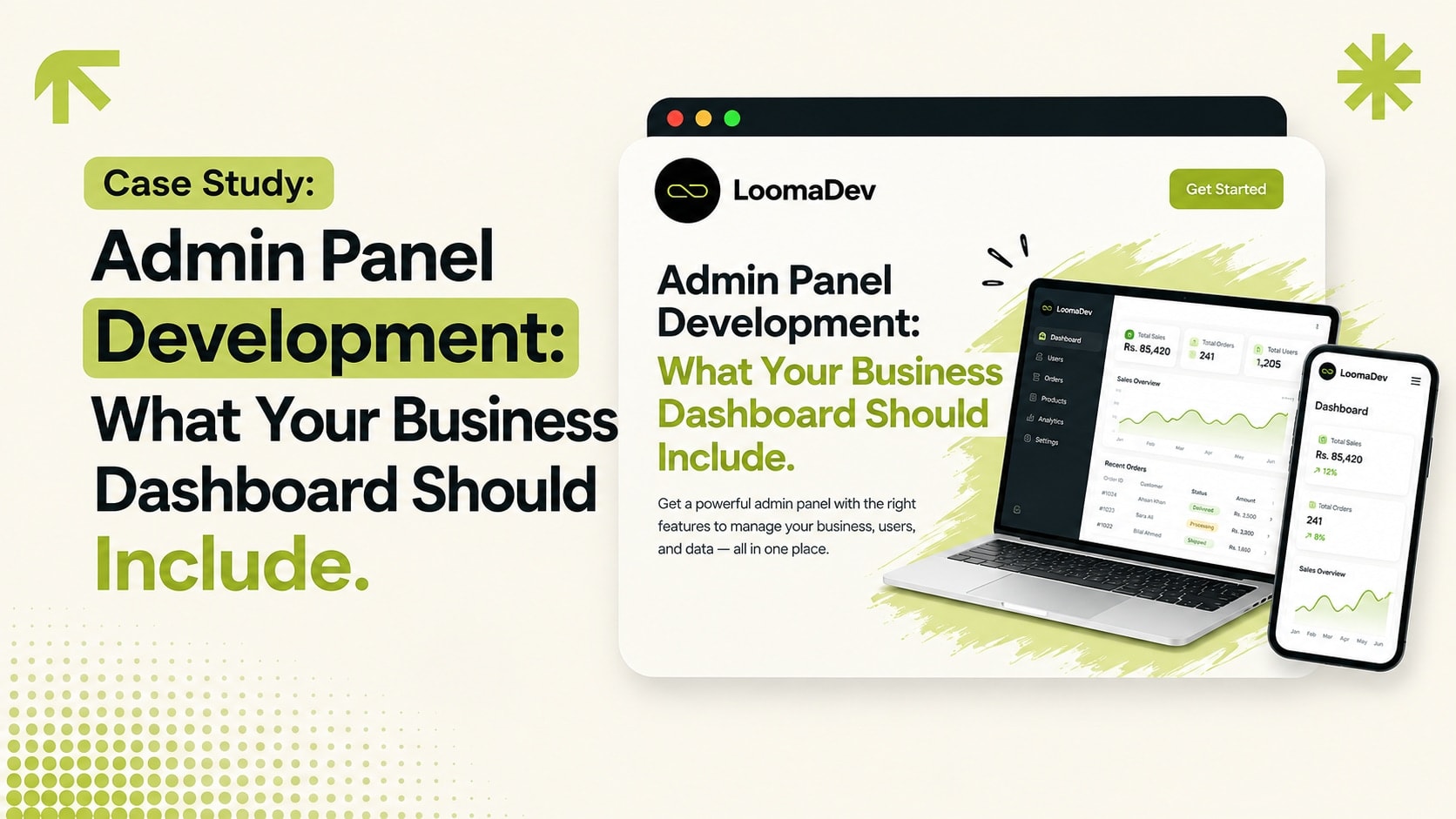
Admin panel development should turn daily business work into a controlled dashboard. The right admin panel gives staff one place to manage records, update statuses, handle customers, publish content, review leads, and see reports without touching code.
Core admin panel features
Secure login and password handling.
Role-based permissions for staff, managers, and admins.
Tables for orders, leads, users, jobs, products, or listings.
Create and edit forms with validation.
Search, filters, and status tracking.
Reports, exports, and activity logs.
Feature priority table
| Feature | Build in v1? | Reason |
|---|---|---|
| Login and roles | Yes | Protects the system. |
| Core records | Yes | This is the main business data. |
| Reports | Yes | Owners need visibility. |
| Advanced automation | Later | Only after the workflow is proven. |
| Mobile app | Later | Responsive web is usually enough first. |
Examples from real projects
Grill Bucket needed products, deals, branches, banners, coupons, and reviews. Connect People needed jobs, applications, enquiries, staff profiles, and recruitment metrics. Nova Real Estate needed property listings, blog content, and lead management.
How to avoid admin panel bloat
Start from roles and workflows. If no one owns a feature or uses it weekly, it probably does not belong in v1. Add features after the first version is used with real records.
Read more about web app and dashboard development, or scope an admin panel with LoomaDev.
Frequently Asked Questions
What is admin panel development?
What features should an admin panel include?
Can an admin panel connect to a public website?
Ready to Build Something
That Gets You Clients?
Free 30-minute consultation. We'll map out your project and agree on a price together. No commitment, no pressure.
Book My Free Call