
Website Security Checklist for Small Business Owners (No Jargon)
A plain-English website security checklist for non-technical business owners — what actually matters and what to check right now.
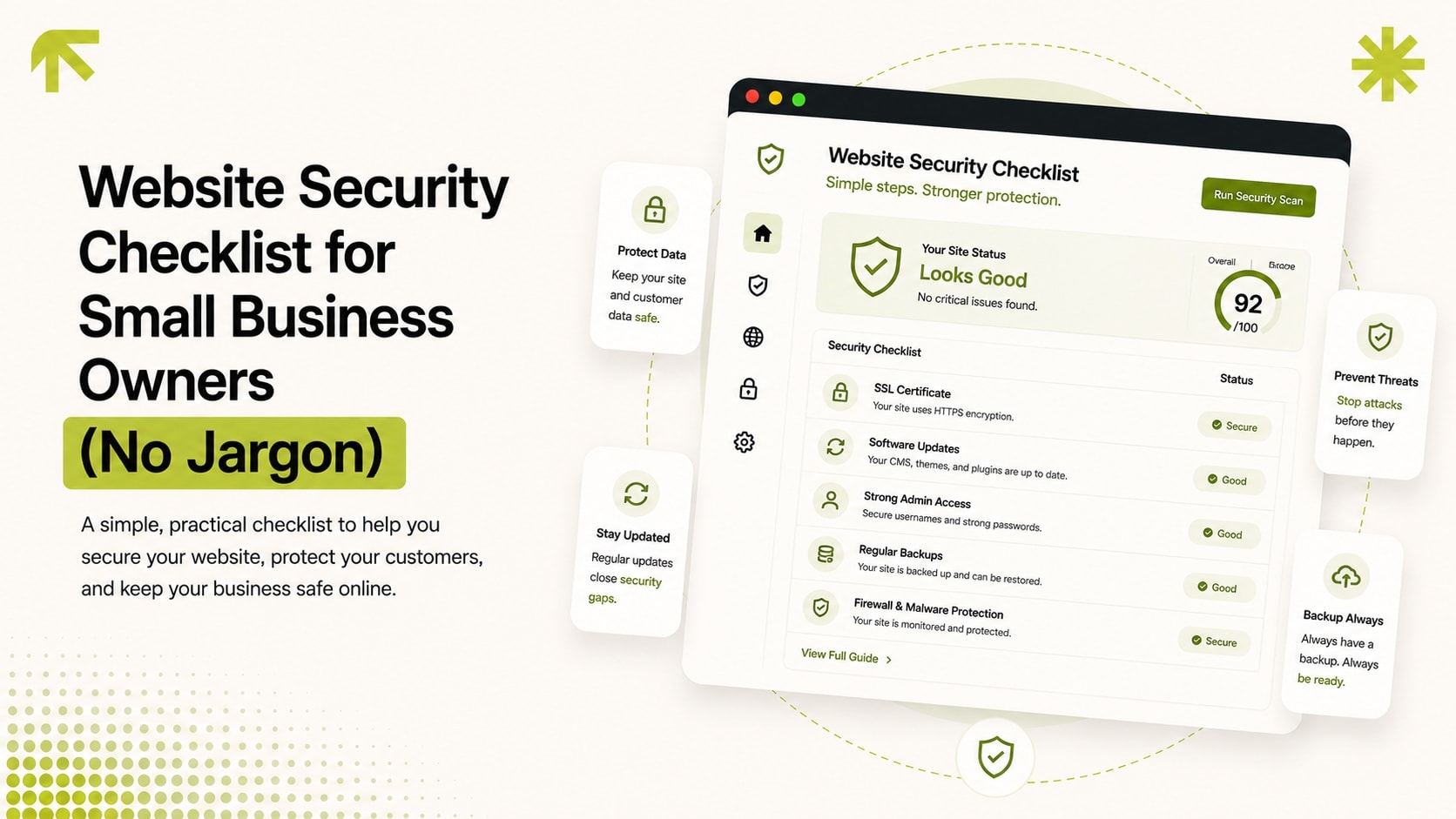
Most website security advice is written for developers. This one isn't. If you own a small business website and don't want to read a technical document to know whether you're exposed, here's what actually matters, in order.
1. Is your site on HTTPS, everywhere, with no mixed content?
Check for the padlock icon in your browser's address bar on every page, not just the homepage. Every site we ship, like Grill Bucket, runs on HTTPS by default from day one. If any page loads without it, browsers will flag your site as "Not Secure" to every visitor, which kills trust instantly and can hurt search rankings.
2. When did you last update your CMS and plugins?
If your site runs on WordPress or a similar CMS, out-of-date plugins are the single most common way small business sites get compromised, not sophisticated attacks, just automated bots scanning for known, unpatched vulnerabilities. If you don't know the last time plugins were updated, that's the first thing to check.
3. Do you actually have working backups, off-site?
Not "the hosting company probably backs it up," an actual, verified, off-site backup you could restore from if the site went down tomorrow. Ask directly: when was the last backup, where is it stored, and has anyone actually tested restoring from it.
4. Who has admin access, and is it still just the people who need it?
Old contractor accounts, a developer who left the project two years ago, a marketing intern's login that was never removed, these are common, overlooked access points. A quick audit of who has admin-level access, and removing anyone who shouldn't, costs nothing and closes a real gap.
5. Does your contact/checkout form protect against spam and abuse?
A form with no rate limiting or spam protection is an open door for automated abuse, fake leads flooding your inbox, or worse, being used to send spam through your server. This is a small, cheap fix that gets skipped constantly.
6. If something breaks, do you know who to call?
The most common failure mode for small business sites isn't a dramatic hack. It's a plugin update that breaks the checkout, discovered by a customer before the business notices. Having someone monitoring and responsible for fixes, not just the person who built the site three years ago, is the difference between an hour of downtime and a week of it.
If any of these six turned up a gap, that's exactly what our maintenance & support retainer covers: updates, off-site backups, security scanning, and someone actually responsible for fixing what breaks, instead of hoping it doesn't.
Frequently Asked Questions
My site has never been hacked, so is this actually necessary?
How often should backups actually run?
Is a security plugin enough, or do I need a real audit?
What's the actual difference between a security plugin and a real audit?
How quickly should a discovered security issue actually get fixed?
Ready to Build Something
That Gets You Clients?
Free 30-minute consultation. We'll map out your project and agree on a price together. No commitment, no pressure.
Book My Free Call