
Admin Panel Guide: When You Need a Business Dashboard
A practical guide to knowing when a business needs an admin panel, what to build first, and how a dashboard replaces spreadsheet workflows over the long term.
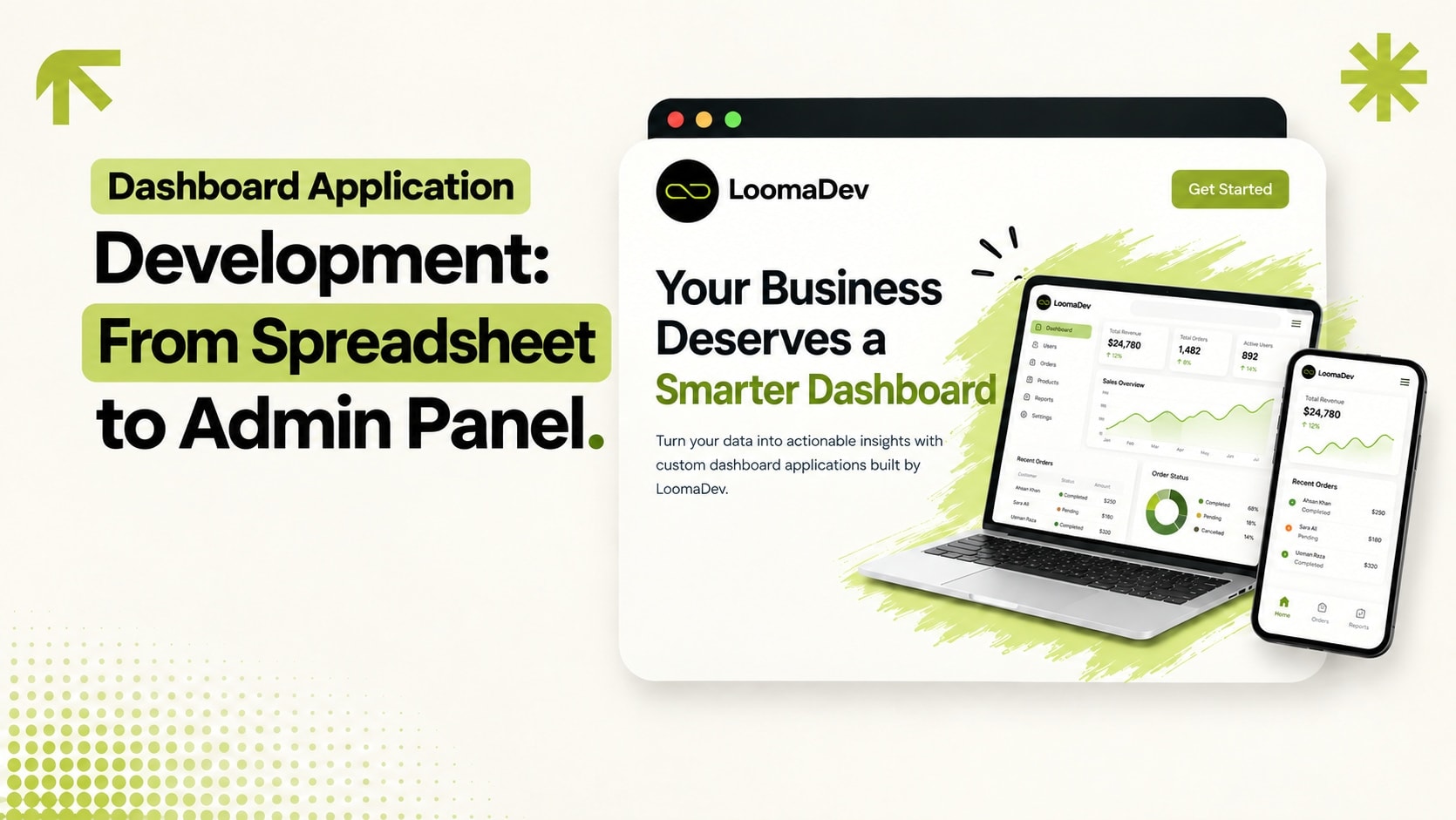
An admin panel is what a business needs when the spreadsheet has quietly become mission-critical software. If staff are using tabs, colors, manual filters, and WhatsApp messages to run daily operations, a proper dashboard can make the same workflow safer and faster. This guide covers when to build one, what to include first, and how it is different from a CRM or ERP.
What a dashboard application does
A dashboard application gives your team one place to manage records, update statuses, assign work, view reports, and handle exceptions. It can sit behind a public website, e-commerce store, CRM, recruitment platform, restaurant ordering site, real estate portal, or internal workflow.
Signs you need an admin dashboard
Only one person understands the master spreadsheet.
Important records are deleted or overwritten by mistake.
Managers wait for manual reports instead of seeing live numbers.
Customers submit forms, but someone still copies the data by hand.
You need different access levels for staff, admins, and owners.
Core modules to build first
| Module | Purpose |
|---|---|
| Login and roles | Protect the system and control who can change what. |
| Records table | List customers, orders, leads, properties, jobs, or products. |
| Create/edit forms | Replace manual spreadsheet updates with validated inputs. |
| Status workflow | Track progress from new to complete, approved, shipped, or closed. |
| Reports | Show the numbers owners ask for every week. |
| Activity log | Show who changed what and when. |
Dashboard examples
For Grill Bucket, the dashboard manages menu items, deals, branches, banners, coupons, and reviews. For Connect People, the dashboard manages jobs, applications, enquiries, staff, and recruitment metrics. The interface is different, but the principle is the same: turn a messy workflow into software your team can actually use.
Dashboard vs CRM vs ERP
A dashboard is the interface. A CRM is a customer workflow. An ERP is an operations workflow. Many custom systems include all three: a CRM module, ERP-style records, and a dashboard that lets staff manage everything.
How LoomaDev builds dashboards
We start by mapping the spreadsheet or manual process. Then we define records, statuses, roles, forms, and reports. The first version should replace the most painful workflow, not every possible edge case.
See our dashboard application development service or start a project conversation.
Frequently Asked Questions
What is dashboard application development?
What should an admin dashboard include?
Can a dashboard replace spreadsheets?
Ready to Build Something
That Gets You Clients?
Free 30-minute consultation. We'll map out your project and agree on a price together. No commitment, no pressure.
Book My Free Call